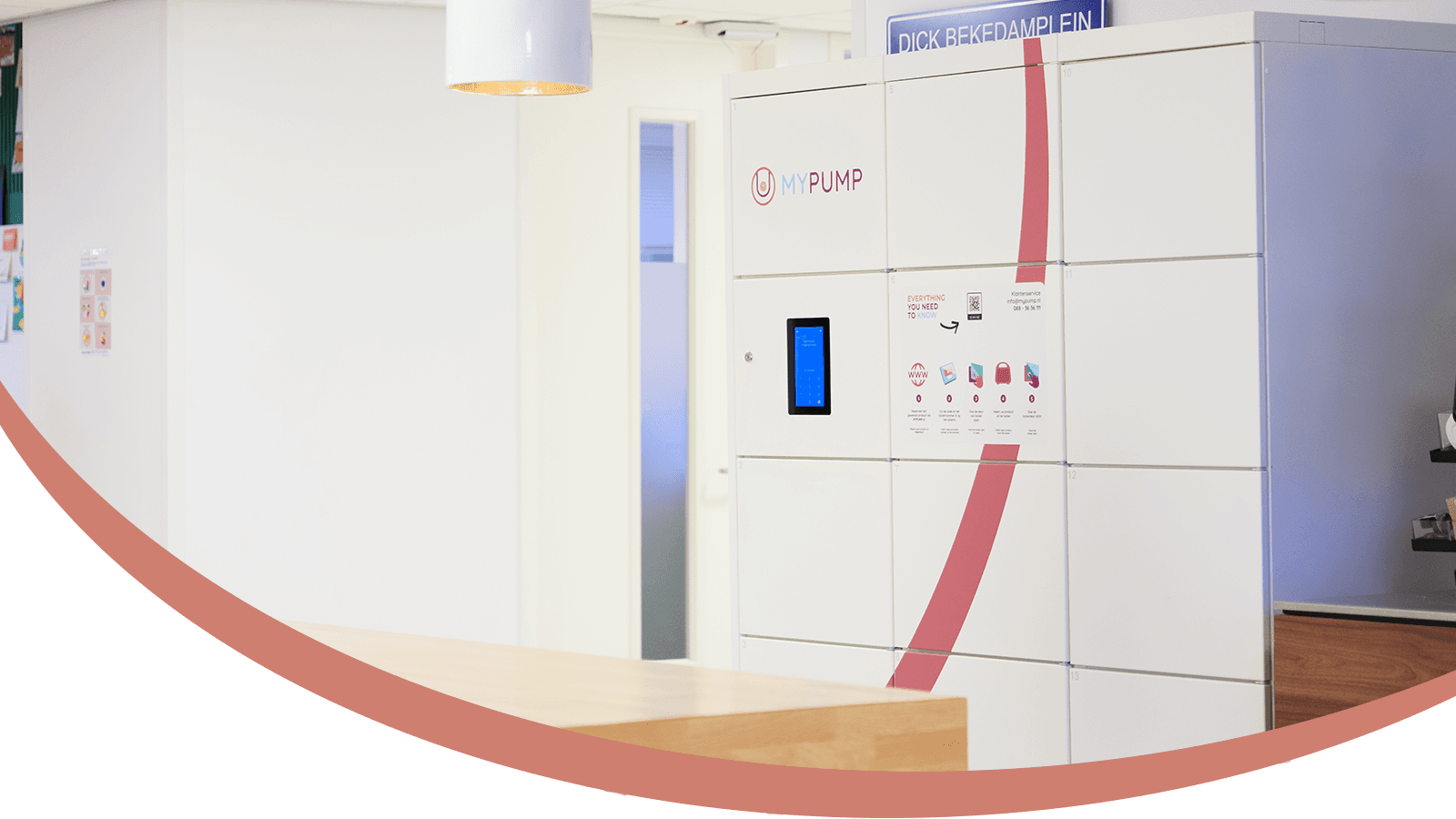
Return a breast pump 24/7
Return your breast pump in 6 steps
Returning the rental pump, but there are no lockers available right now? Try again at a later time; lockers always become available again throughout the day, or choose another location nearby.
Choose one of our locations and check the return location details. If a location has no availability, check another location nearby. Or you can sign up for the waiting list.
Check the return confirmation and click START RETURN.
If you are not yet logged in, a login screen will appear. Log in with the email address and password you used to rent the breast pump.
We will get to work for you; a confirmation will appear. If you encounter any problems, please contact customer service.
Your return has just been placed. You will receive an EMAIL and SMS within a few minutes with the locker number and PIN code to return the breast pump. Please note: this code is valid for 24 hours! Make sure you return the breast pump before the end of your rental period! Check return instructions to see what you need to return.